How to Play Become A Dentist
Controls, treatment sequence, pain feedback, and a full clinic loop explained.
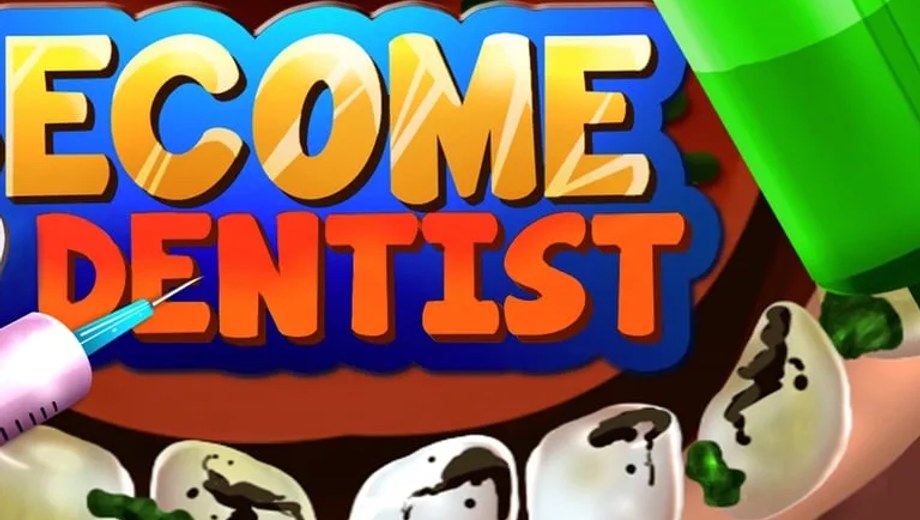
This How to Play guide explains the full loop of Become A Dentist by PLAYTOUCH: how input works, why the strict tool order exists, how pain levels punish mistakes, and how a normal appointment flows from greeting to discharge. Read it after Getting Started if you want rules in writing, or before Time Attack if you keep failing timed runs for mysterious reasons.
The fantasy is simple. You are done being the patient. Now you hold the tray. The skill game underneath is also simple to state and harder to master: tear, cure, or clean teeth using realistic-feeling accessories, always in the order the case demands.
Controls (mouse and touch)
On desktop, move the cursor and click to select instruments, then click or drag on the problem area as the tool requires. On mobile and portrait webviews, tap the tray, then tap or swipe on the mouth. There is no complex keybind sheet—precision and timing matter more than hotkeys. Because the game targets HTML5 web plus Android and iOS, expect the same logic everywhere even when hit targets feel slightly different on a phone screen.
Practical control tips:
- Zoom your attention to the active tooth region before committing a harsh tool.
- Confirm the highlighted or logically next instrument before you tap again.
- Avoid double-taps that accidentally reselect the wrong tray icon mid-animation.
- If an action seems ignored, you are often out of sequence rather than “lagging.”
The core win condition
You win an appointment by restoring the patient’s mouth using the correct chain of instruments until the case resolves. You do not win by dealing maximum cartoon violence. PLAYTOUCH’s own how-to line is blunt: use real dentist tools, follow a strict order of things, and remember the teeth are in your hands. That order is the heart of every guide on this wiki and the reason the treatment order page exists.
Failing the order typically does one or more of the following:
- Blocks progression to the next required step
- Raises the visible pain state
- Wastes time (deadly later in Time Attack)
- Trains bad habits that feel “randomly unfair” when they are actually sequence errors
Ten instruments, one tray discipline
The cabinet includes 10 dentist instruments. Beginners should learn them as roles—cleaning, removing, treating, finishing—before obsessing over every label. Intermediate players should memorize icons so tray picks become instant. Advanced players combine icon memory with patient pattern knowledge from the Players hub.
Deep reference lives on:
- Tools Hub — category overview
- Instruments — individual tool roles
- Treatment order — sequence rules you must not invent
Never invent a “creative” order because a YouTube short looked flashy. Flashy fails when the engine expects step B before step C.
Five patients, five reasons to stay alert
You will treat 5 different clients. They share the clinic rules but not the same mess. Some mouths look dirtier. Some react faster when you err. Some need longer cleaning chains. Surprises are intentional; the marketing copy even teases that certain patients will catch you off guard.
How to adapt mid-appointment:
- Re-scan the mouth after every successful step.
- Ask which problem is still visually dominant.
- Choose the instrument that continues the mandated chain for that problem.
- If stuck, open patient types after the run and note what differed.
Pain levels as a teaching system
Pain spans 5 levels. Treat the meter as coaching. Low pain with a finished mouth means your order and timing were kind enough. High pain with a finished mouth means you eventually got there the hard way. High pain with a stalled mouth means you are forcing tools that do not belong yet.
Use pain like this:
- Rising fast after one click — wrong tool or wrong moment.
- Stable while progress continues — you are on-sequence.
- Spiking during Time Attack — you are prioritizing speed over validity; slow one beat, fix the order, then resume speed.
Comedy presentation does not make pain optional. It is part of the skill evaluation.
A standard appointment walkthrough
- Receive the patient and look at the initial dental mess.
- Identify the first legal step using visible cues and prior clears.
- Select the matching instrument from the ten-tool tray.
- Apply it carefully to the affected area.
- Confirm progress (visual cleanup, calmer patient, unlocked next need).
- Repeat until every required stage is done.
- Discharge and prepare for the next client or mode select.
If step 5 never happens, rewind your logic to step 2. Do not skip ahead with a harsher tool “just to see.”
Campaign practice versus Time Attack
Standard play teaches the grammar of the clinic. Time Attack tests whether that grammar is fluent under pressure. The instruments, patients, and pain system do not change their fundamental rules when the timer appears—only your margin for hesitation does. Master how to play here before you chase leaderboard-style scores.
Scoring your own understanding
You “know how to play” when you can:
- Clear a patient without random tray mashing
- Explain why a failed click hurt the case
- Name whether a mistake was order, aim, or panic
- Transfer the same discipline to a second and third client
- Open Time Attack without forgetting the sequence
If any checkbox fails, revisit Tips and Tricks and the tool reference pages before blaming the difficulty.
Platforms and session length
Because the title runs on Web (Playzool, Poki), Android, and iOS, you can practice in five-minute bursts. Short sessions are perfect for one-patient drills. Longer sessions are better for full roster familiarity. Keep the Guides Hub nearby so you can jump between how-to, tips, and timed strategy without hunting.
Sequel awareness (without mixing rules)
Become a Dentist 2 adds syringes, sprays, cotton, laser cams, and X-ray diagnostics. Those tools change how you inspect and soothe infections. They do not erase the lesson of this game: procedure order matters. Read Become a Dentist 2 separately so you do not expect X-ray steps in the 2015 original.
Related reading
- Getting Started — first launch and checklist
- Time Attack — timer discipline
- Tips and Tricks — advanced habits
- Tier list — quick rankings when you want opinions
- Wiki links — official play destinations
Play one appointment with this page open in a second tab. After each mistake, name it: order, aim, or panic. That simple label turns a silly dentist cartoon into a readable skill game—and that is exactly how PLAYTOUCH designed Become A Dentist to work.
Frequently Asked Questions
Quick answers to the most common questions.
What are the controls in Become A Dentist?
Use mouse clicks on desktop or taps on mobile to select instruments and apply them to the patient’s mouth. There are no complex keyboard controls.
What does strict tool order mean?
Each treatment stage expects a specific instrument before the next one unlocks. Using tools out of sequence fails to progress and usually increases pain.
How many pain levels are there?
There are five pain levels. They rise when you mistreat the patient or break the proper sequence, and they act as feedback for your technique.
Is the how-to-play the same on Poki and mobile?
Yes. The clinic rules—ten instruments, five patients, five pain levels, strict order—are the same across web hosts and the Android/iOS apps, with input adapted for mouse or touch.
Where do I learn the exact instrument sequence?
Use the treatment order page under Tools, supported by the instruments list. This How to Play page teaches the rules; those pages document the reference steps.